

Product details
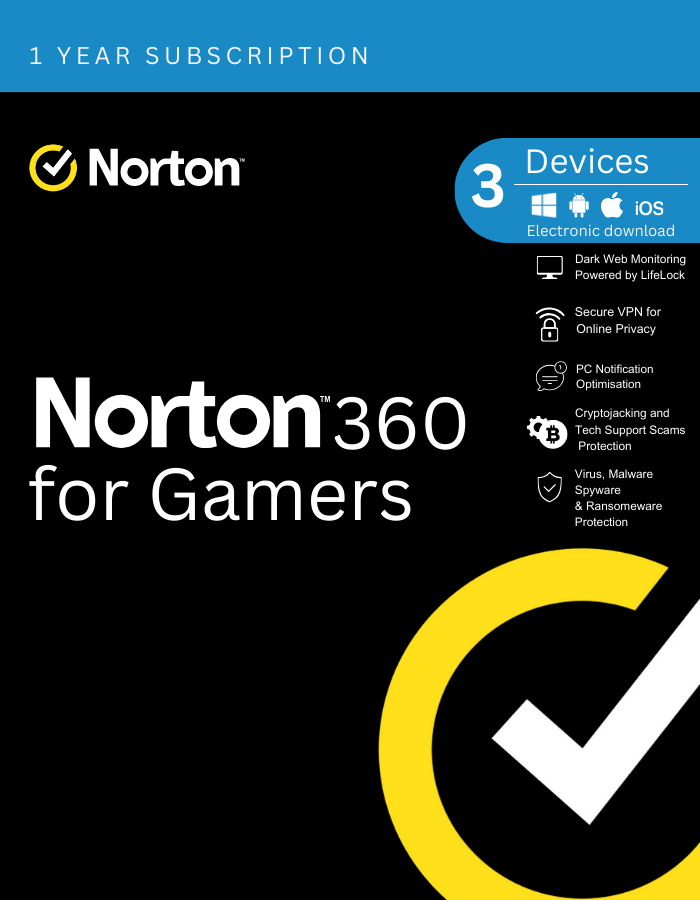
Norton 360 Premium is a comprehensive cybersecurity solution designed to protect your devices and personal information from various online threats. Below is a description of the key features typically offered by Norton 360 Premium:
- Advanced Security Protection: Norton 360 Premium provides advanced security measures to safeguard your devices against viruses, malware, spyware, ransomware, and other online threats. It employs real-time threat detection and proactive defense mechanisms to keep your devices secure.
- Secure VPN (Virtual Private Network): This feature encrypts your internet connection, providing a secure and private browsing experience. It helps protect your online privacy and anonymity by masking your IP address and preventing third parties from tracking your online activities.
- Password Manager: Norton 360 Premium includes a password manager tool that securely stores your passwords and login credentials in an encrypted vault. It also helps generate strong, unique passwords for each of your online accounts, enhancing your overall digital security.
- SafeCam for PC: SafeCam is a feature that safeguards your webcam against unauthorized access. It monitors and blocks attempts to access your webcam without your permission, protecting your privacy from potential cyber intruders.
- Cloud Backup: Norton 360 Premium offers cloud backup functionality, allowing you to securely store and protect your important files, documents, photos, and other digital assets in the cloud. This ensures that your data remains safe and accessible even in the event of hardware failure, theft, or other disasters.
- Dark Web Monitoring: This feature scans the dark web for any instances of your personal information being exposed or compromised. It alerts you if it detects any signs of your sensitive data being traded or used illegally, helping you take proactive steps to mitigate potential risks.
- Parental Control: Norton 360 Premium includes parental control features that enable you to manage and monitor your children’s online activities. You can set age-appropriate content filters, limit screen time, and track their online behavior to ensure a safe and secure digital environment for your family.
- Device Security Management: With Norton 360 Premium, you can easily manage the security of multiple devices from a centralized dashboard. This allows you to monitor the security status, update settings, and perform scans remotely across all your protected devices.
Overall, Norton 360 Premium offers comprehensive cybersecurity protection with a range of advanced features to keep you safe while browsing the internet, managing your personal information, and accessing online services.



Liam (verified owner) –
instant key delivery, activated without any issues. no regrets, great purchase.
Jackson (verified owner) –
flawless execution, just as described. key worked right away, no issues.
Paul (verified owner) –
Got key instantly, activated without any problems and is currently in use. Way cheaper than Windows activation key from Microsoft Store.
Ryker (verified owner) –
Really fast key redemption, struggled with it at first read thoroughly through common mistakes, followed the directions which are included with the windows error. 10/10 good purchase and easy few minutes.
Kayden (verified owner) –
Worked great. Needed a key and that was the end of it. Activation was done over the phone and I had no issues. Personally, I’d recommend.
Zied (verified owner) –
Absolutely perfect. Got the code instantly upon payment. Activated without any issues 😉 Highly recommend.