

-69%
Product details
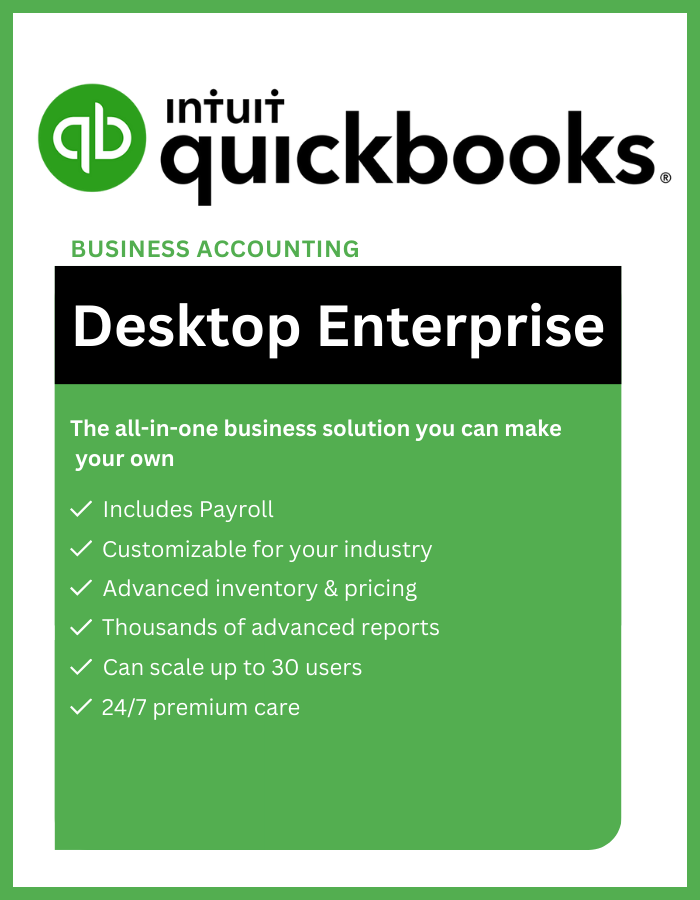
Intuit QuickBooks Desktop Enterprise is a comprehensive accounting software solution designed for large businesses and their unique financial needs. It offers a robust set of features, advanced customization options, and scalability to manage complex financial operations efficiently.
Key Features:
- Powerful accounting tools: Track income and expenses, manage inventory, create invoices and estimates, pay bills, process payroll (with add-on), generate reports, and more.
- Enhanced reporting and analytics: Gain deeper insights into your business performance with customizable reports, graphs, and dashboards.
- Multi-user access: Grant different levels of access to multiple users based on their roles and responsibilities.
- Industry-specific features: Some versions offer specialized tools for specific industries, such as construction, manufacturing, and non-profit organizations.
- Advanced inventory management: Track inventory by location, class, or serial number, set reorder points, generate inventory valuation reports, and manage multiple warehouses.
- Advanced budgeting and forecasting: Create budgets, track progress, and forecast future financial performance.
- Data security and encryption: Protect your financial data with 256-bit encryption, user permissions, and audit trails.
- Integration with other business applications: Connect QuickBooks Desktop Enterprise with other applications you use, such as CRM, ERP, and payment processing software.
Benefits:
- Streamlines financial operations: Automates tasks, improves data accuracy, and provides real-time financial insights.
- Increases efficiency: Saves time and resources by automating manual processes and tasks.
- Improves decision-making: Provides access to critical financial data and reports to make informed business decisions.
- Scales with your business: Can accommodate the needs of growing businesses with multiple users and complex financial processes.
Who should use it?
- QuickBooks Desktop Enterprise is ideal for large businesses with complex financial needs, multiple users, and multiple locations.
- It is also suitable for businesses in specific industries that require specialized accounting features.
Here are some additional things to consider before choosing QuickBooks Desktop Enterprise:
- Cost: QuickBooks Desktop Enterprise is more expensive than other QuickBooks Desktop versions.
- Learning curve: The software has a steeper learning curve due to its advanced features.
- Desktop-based: Requires installation on individual computers and may not be suitable for businesses with remote employees.
Overall, Intuit QuickBooks Desktop Enterprise is a powerful accounting software solution for large businesses. It offers a wide range of features, advanced customization options, and scalability to meet the demands of complex financial operations.
Additional information
| Version | 2024, 2023, 2022, 2021 |
|---|---|
| Region | USA |
| Devices | 1 User |
Key Activation
1. Activation during Installation:
- If you're installing QuickBooks for the first time, the activation process will usually be part of the installation wizard. Just follow the on-screen instructions and have your license and product numbers ready.
2. Activate within QuickBooks:
- If you already installed QuickBooks but haven't activated it yet, you can do so within the software itself. Here's how:
- Open QuickBooks Desktop Enterprise.
- Go to the Help menu.
- Select Activate QuickBooks Desktop.
- Follow the on-screen instructions, which will involve entering your license and product numbers.
3. Using your Intuit Account:
- If you have an existing Intuit account associated with your QuickBooks purchase, you can use it to activate the software. Here's how:
- Open QuickBooks Desktop Enterprise.
- Select Create Your User ID on the activation screen.
- Enter your desired user ID and password and follow the on-screen instructions.
- If you already have an Intuit account, select Sign In and enter your user ID and password.
Additional Resources:
- Intuit's activation Help Center: https://quickbooks.intuit.com/learn-support/en-us/help-article/install-products/install-quickbooks-desktop/L3Fpsoqvj_US_en_US
- Activate QuickBooks Desktop with your Intuit Account: https://quickbooks.intuit.com/learn-support/en-us/help-article/account-management/register-quickbooks-desktop-using-intuit-account/L7Djjnuan_US_en_US
Customers Reviews
Related products

-91%

-62%
-87%

-84%
-65%
Pedro (verified owner) –
fast delivery, activated immediately!!!!!!!!!!!!!!!!!!!!!!!!!!!!!!!!!!!!!!!!!!!!!!!!!!!!!
Aiden (verified owner) –
I have to admit I was a little skeptical, but I was WRONG, it actually works.
Kai (verified owner) –
Worked Flawlessly, I just followed the instructions and badabing!.
Ryan (verified owner) –
Worked perfectly and no issue with the activation. Quick delivery, extremely fast acceptance by Windows. All went well. Thanks! :).
William (verified owner) –
super simple, plugged in the code, done. no calls needed. thanks!
Zohar (verified owner) –
flawless experience, activated through settings. no complaints, just satisfaction.
Riley (verified owner) –
got the key instantly, activated without a hitch. money well spent.
Riley (verified owner) –
Works immediately, and I had no issues with it. 100% recommended , since it is very easy to get and to use. I have nothing bad to say.
Henry (verified owner) –
smooth activation, no problems at all. trustworthy and efficient service.
Jared (verified owner) –
Worked exactly as it should have worked. Key was provided instantly upon payment verification and I didn’t have to call Microsoft.
Joseph (verified owner) –
I have to admit I was a little skeptical, but I was WRONG, it actually works.