

-77%
 Instant Delivery
 Digital Key
 Lifetime Warranty
Product details
Key Activation
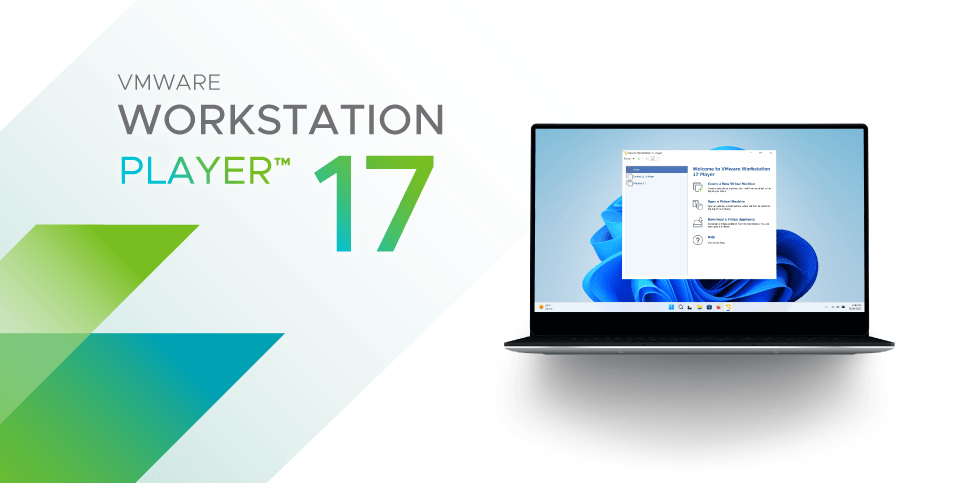
VMware Workstation 17 Player for Windows could be downloaded directly from the VMware website.
Here's a general outline of the steps to download and activate the software:
- Download VMware Workstation 17 Player:
- Visit the official VMware website or search for "VMware Workstation 17 Player download" in your preferred search engine.
- Look for the download page for VMware Workstation 17 Player for Windows.
- Follow the prompts to download the installer file to your computer.
- Installation:
- Once the download is complete, locate the installer file (typically a .exe file) on your computer.
- Double-click the installer file to start the installation process.
- Follow the on-screen instructions to install VMware Workstation 17 Player on your Windows system.
- Activation:
- After installation, launch VMware Workstation 17 Player.
- If you haven't already purchased a license, you can choose to start a free trial.
- If you have purchased a license, you'll need to activate it. Look for an option within the software to enter your license key.
- Enter the license key provided to you at the time of purchase.
- Follow any additional prompts to complete the activation process.
- Post-Activation Setup:
- Once activated, you may need to restart the VMware Workstation application for the changes to take effect.
- Upon restarting, you should have full access to the features of VMware Workstation 17 Player.
- Updates:
- It's a good practice to check for updates after installation and activation. VMware may release patches or updates to improve the software's functionality and security.
- Troubleshooting:
- If you encounter any issues during the download, installation, or activation process, refer to the documentation provided by VMware or reach out to their support team for assistance.
Customers Reviews
Related products

-77%

-77%

-77%

-77%
-77%
-77%
Hayden (verified owner) –
Absolutely perfect. Got the code instantly upon payment. Activated without any issues 😉 Highly recommend.
Lucas (verified owner) –
seemless activation, genuine key. easy and efficient. 100% recommended.
Russell (verified owner) –
instant delivery, activated without any issues. a reliable and efficient service.
Trigger (verified owner) –
Worked flawlessly, I just followed the instructions and badabing!.
Zied (verified owner) –
key available instantly. flawless process.
Ryder (verified owner) –
Sheesh. Easy peasy. Was skeptical and nervous a bit, but delivered on all fronts.
Isaac (verified owner) –
bought it, and got the key directly after payment. just copied the code into the settings and it actived. worked well! i’ll buy it again if i need too.
Jay (verified owner) –
Super easy to use, just plugged the code in on the activation page and I was done. Didn’t have to call or anything. Thanks!.
Nina (verified owner) –
Worked flawlessly, I just followed the instructions and badabing!.
Trigger (verified owner) –
flawless execution, just as described. key worked right away, no issues.
Zohar (verified owner) –
Worked perfectly and no issue with the activation. Quick delivery, extremely fast acceptance by Windows. All went well. Thanks! :).
Curtis K (verified owner) –
spedy activation, no complications. highly satisfied with the service.